🌐
Three languages
Guests switch between Kurdish, Arabic and English with one tap, with the right text direction for each.
Built for restaurants and cafés in Kurdistan
Guests scan the code on the table and see your menu in Kurdish, Arabic or English, with photos and up-to-date prices. Change a price or hide a sold-out item any time, with nothing to reprint.
Three steps
Choose your place’s name and an address for your menu. Your account is activated after a quick review.
Add categories and items with photos, prices, sizes and extras, then pick your colours and logo.
Print a code for each table. Guests scan it and see your menu straight away.
Live examples
Restaurants, cafés and sweet shops, each with its own colours, font, background and layout. Open one and try it as a guest.
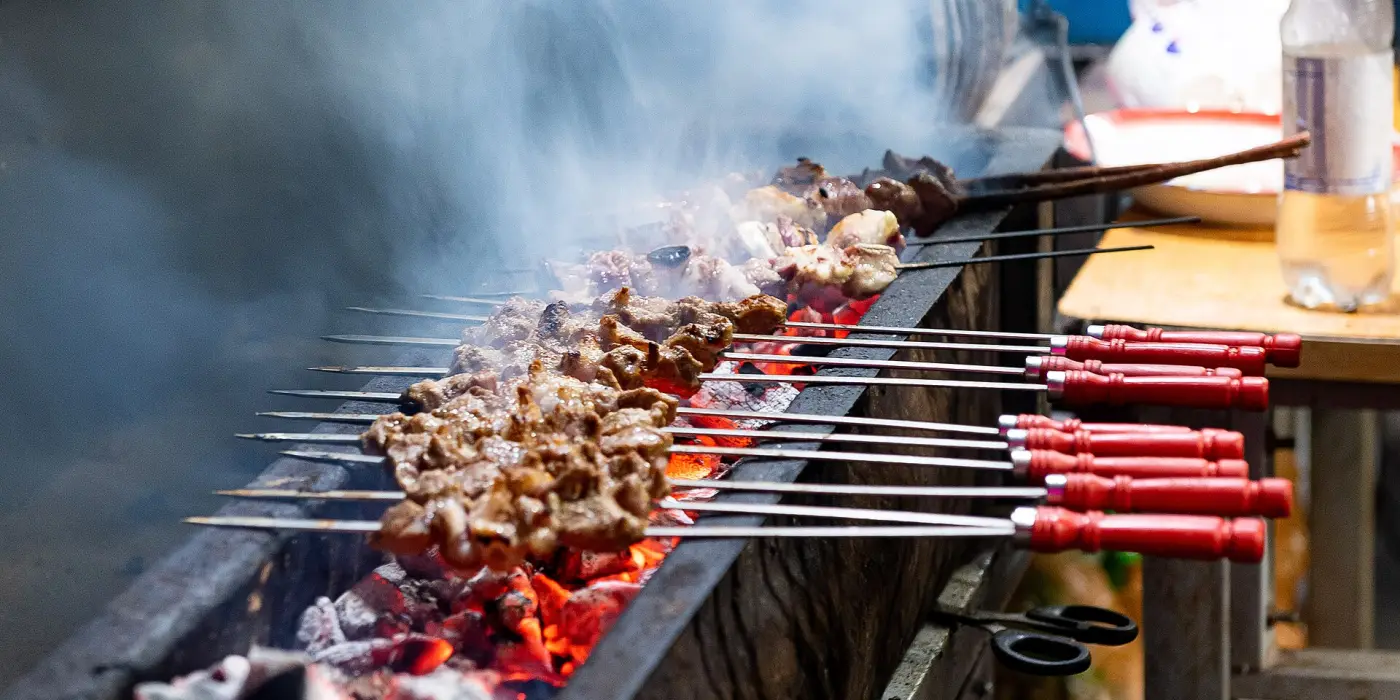
Fresh meat over real charcoal
📱 Open the menu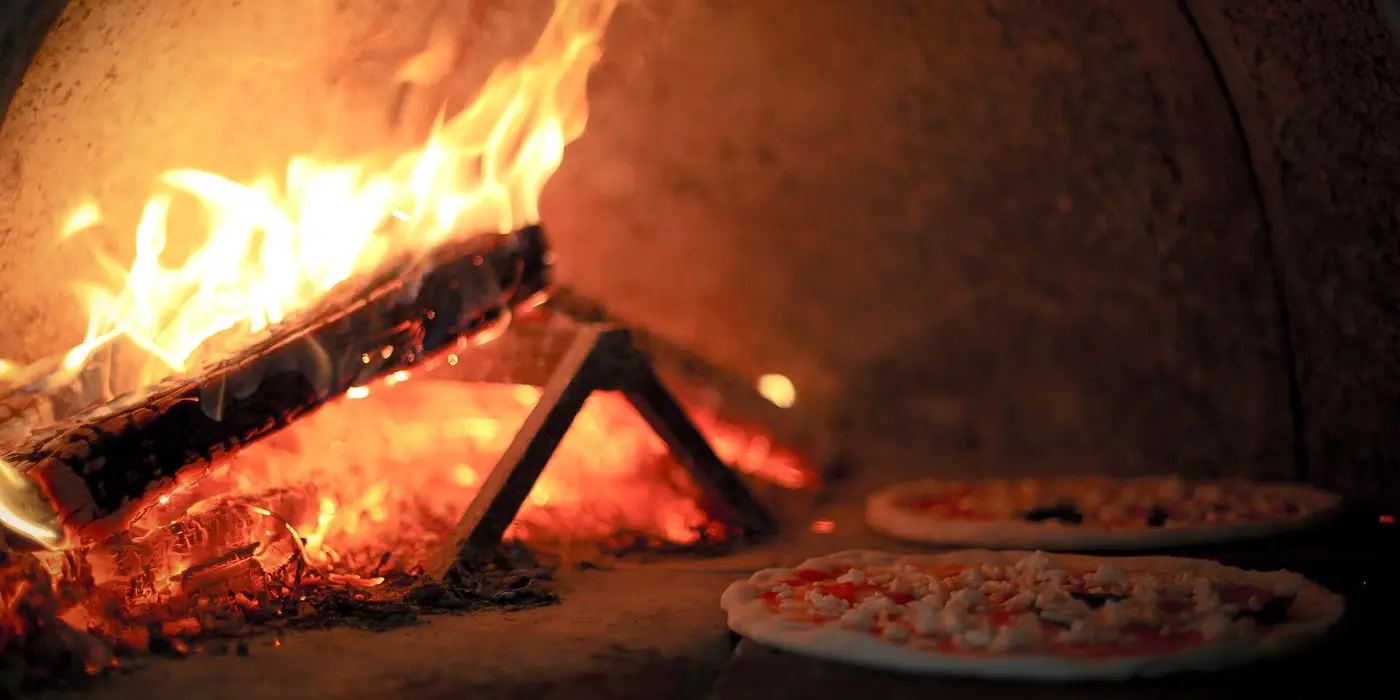
Italian pizza from a wood-fired oven
📱 Open the menu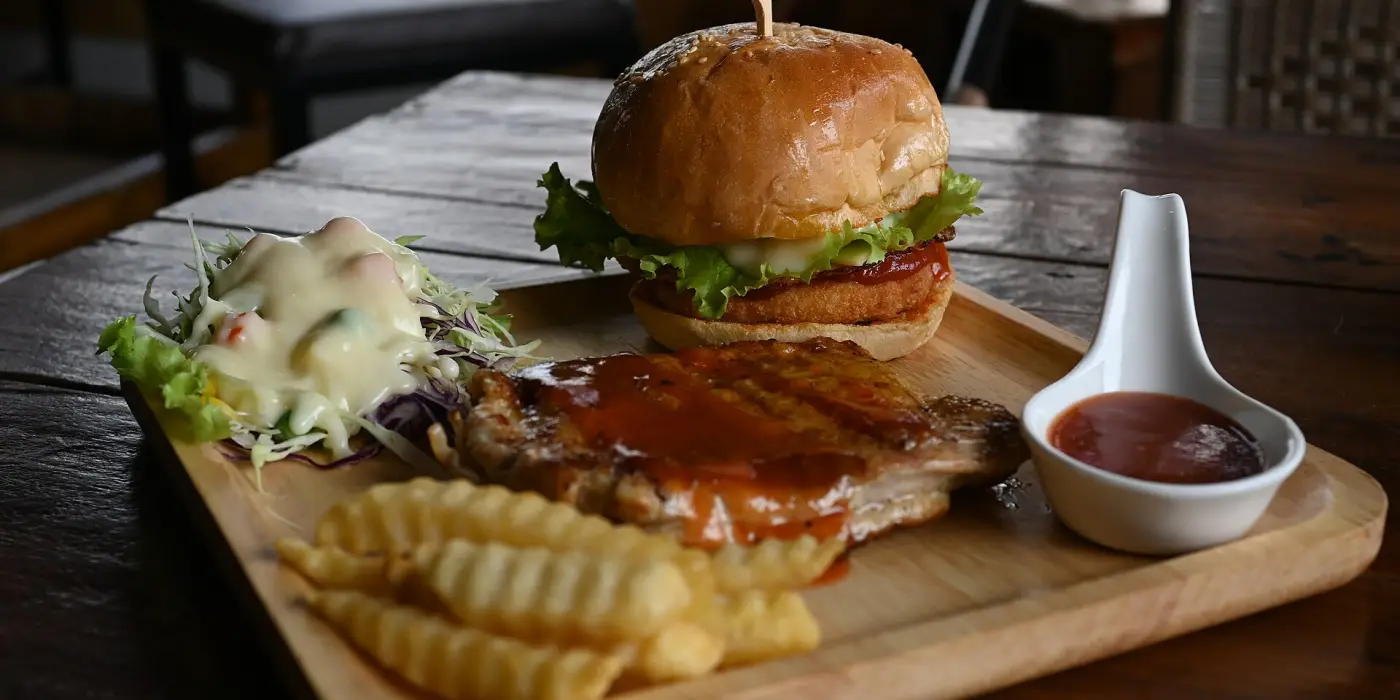
Smashed patties, melted cheese, no compromise
📱 Open the menu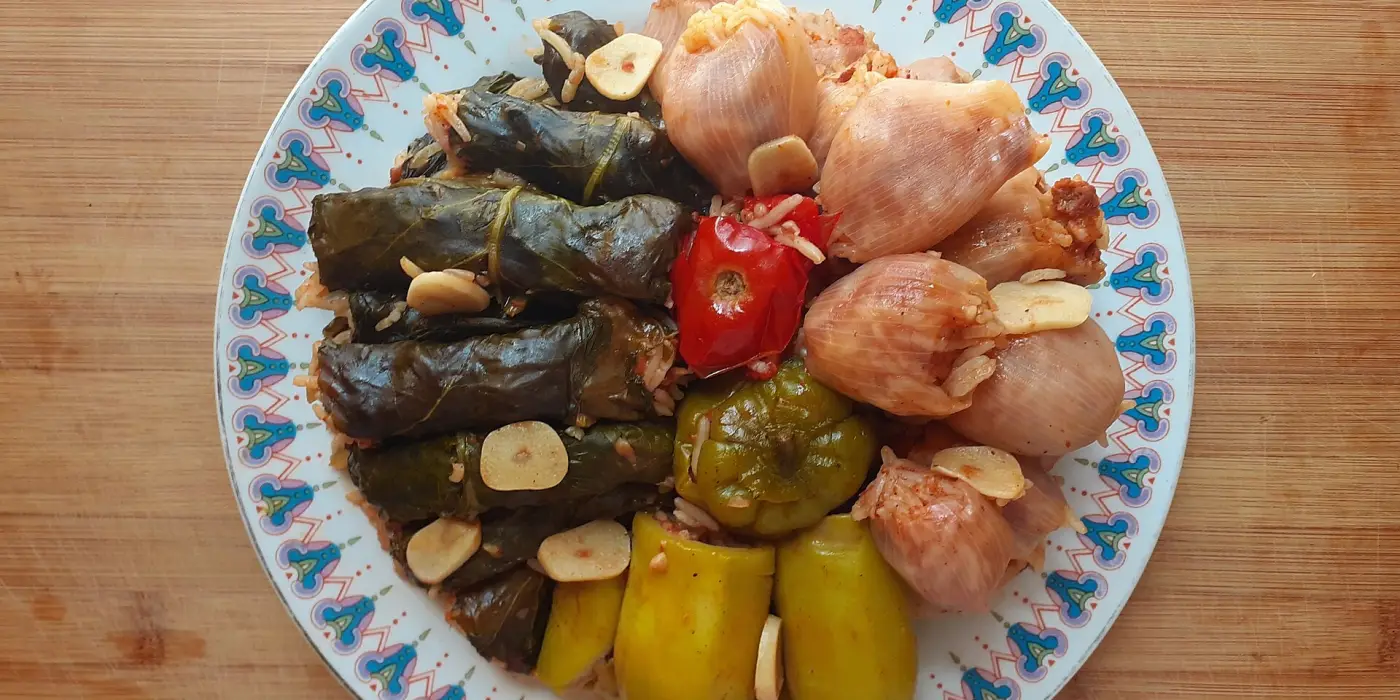
Home cooking, just like grandma made
📱 Open the menu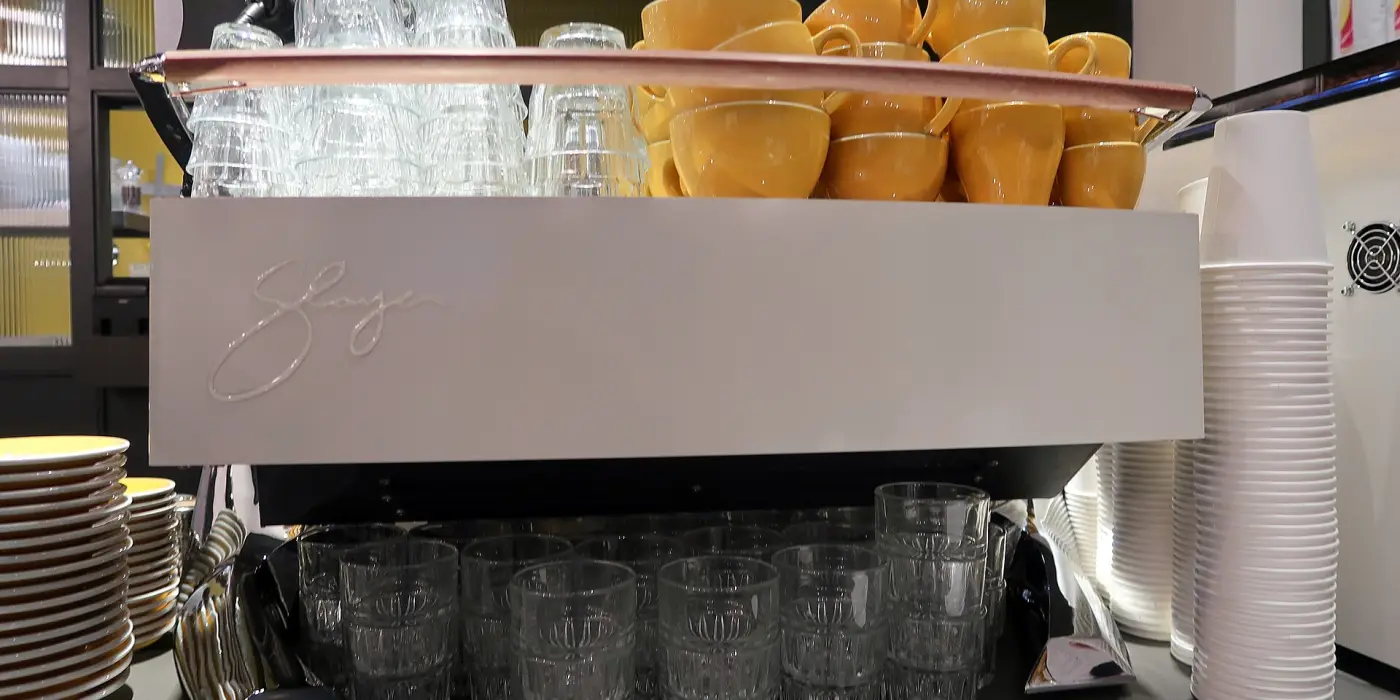
Freshly roasted beans, every morning
📱 Open the menu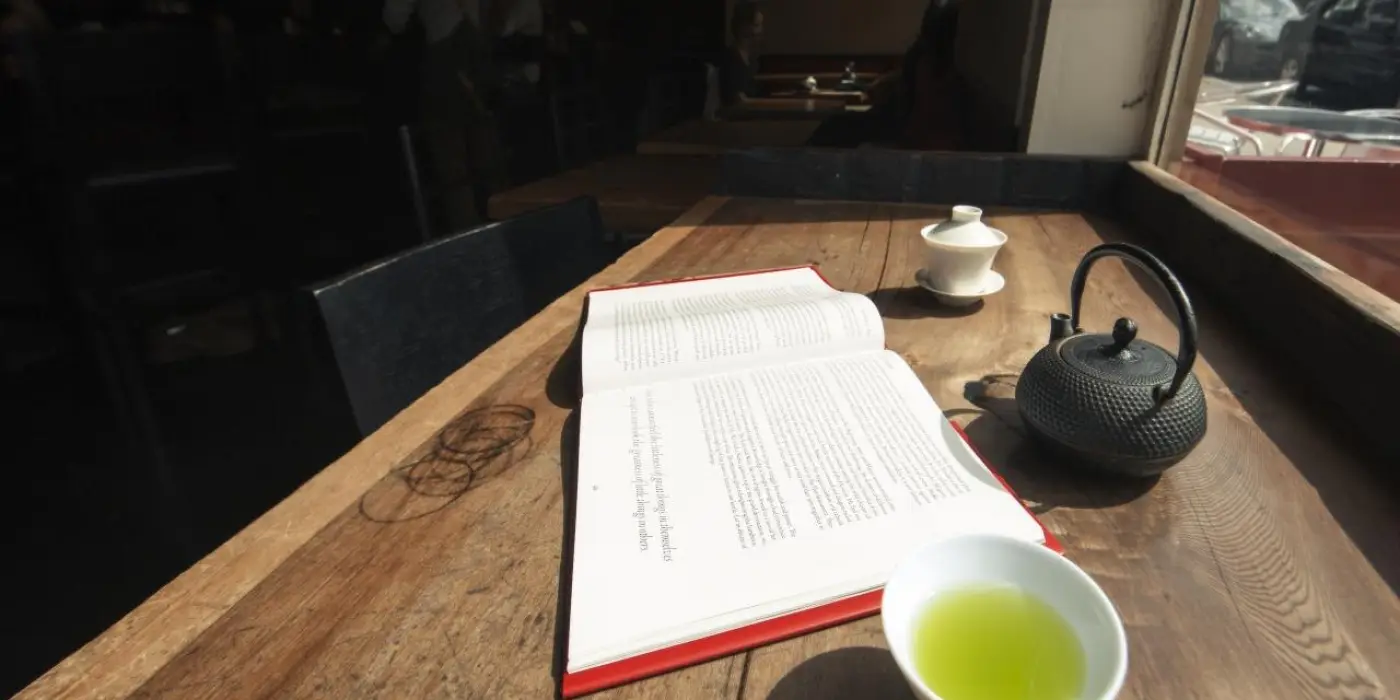
A glass of tea and a good page
📱 Open the menu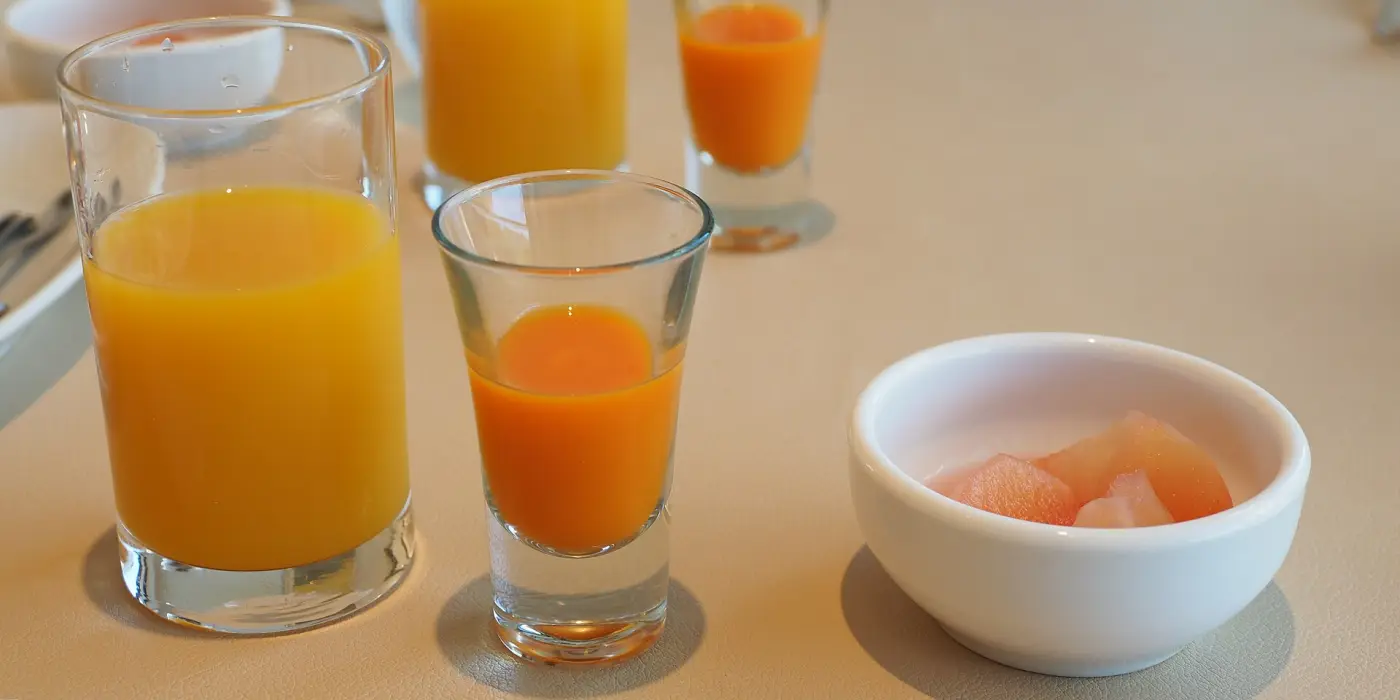
Fresh fruit, colours of life
📱 Open the menu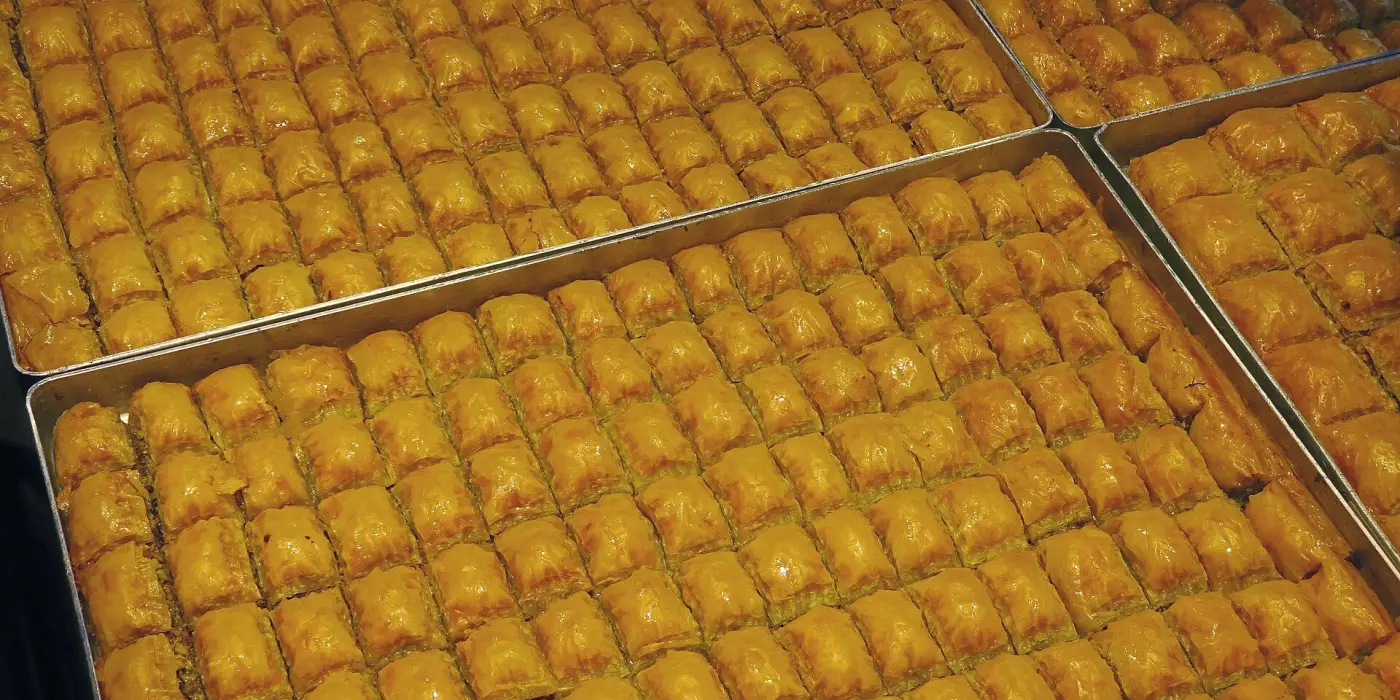
Authentic Kurdish & Arabic sweets since 1998
📱 Open the menu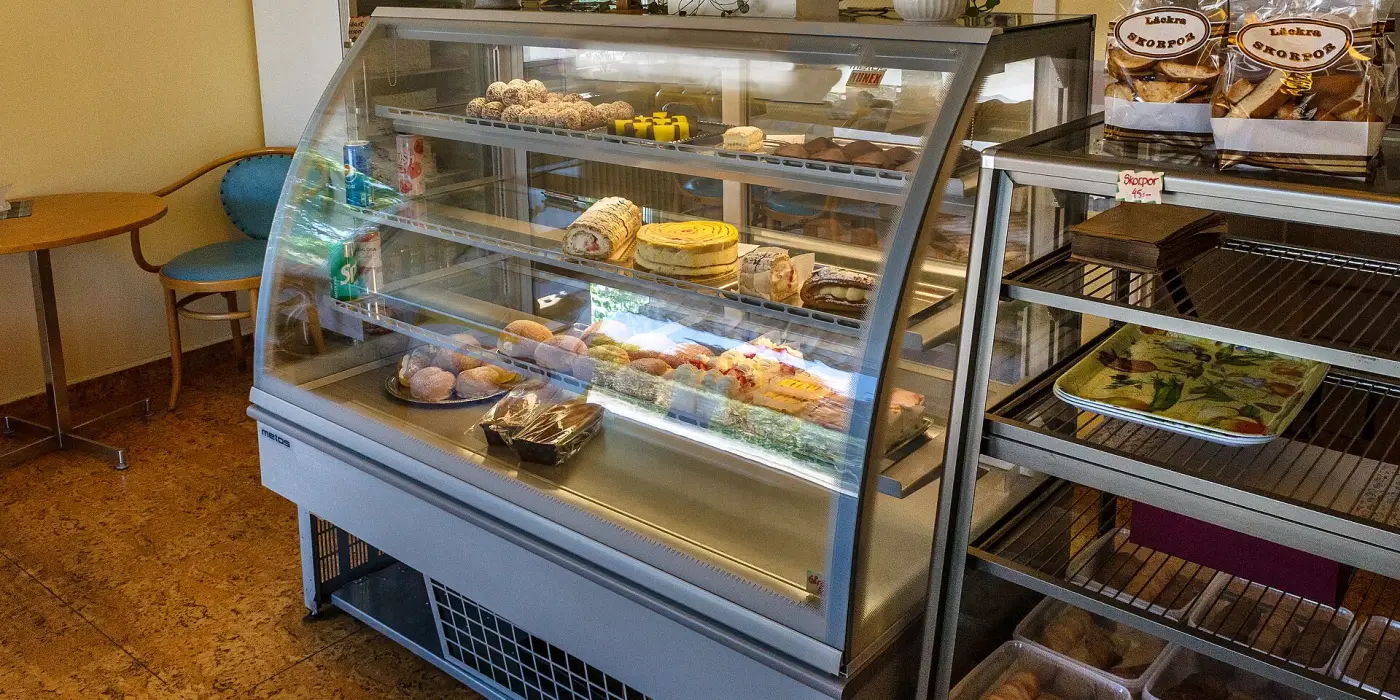
Every slice is a little celebration
📱 Open the menu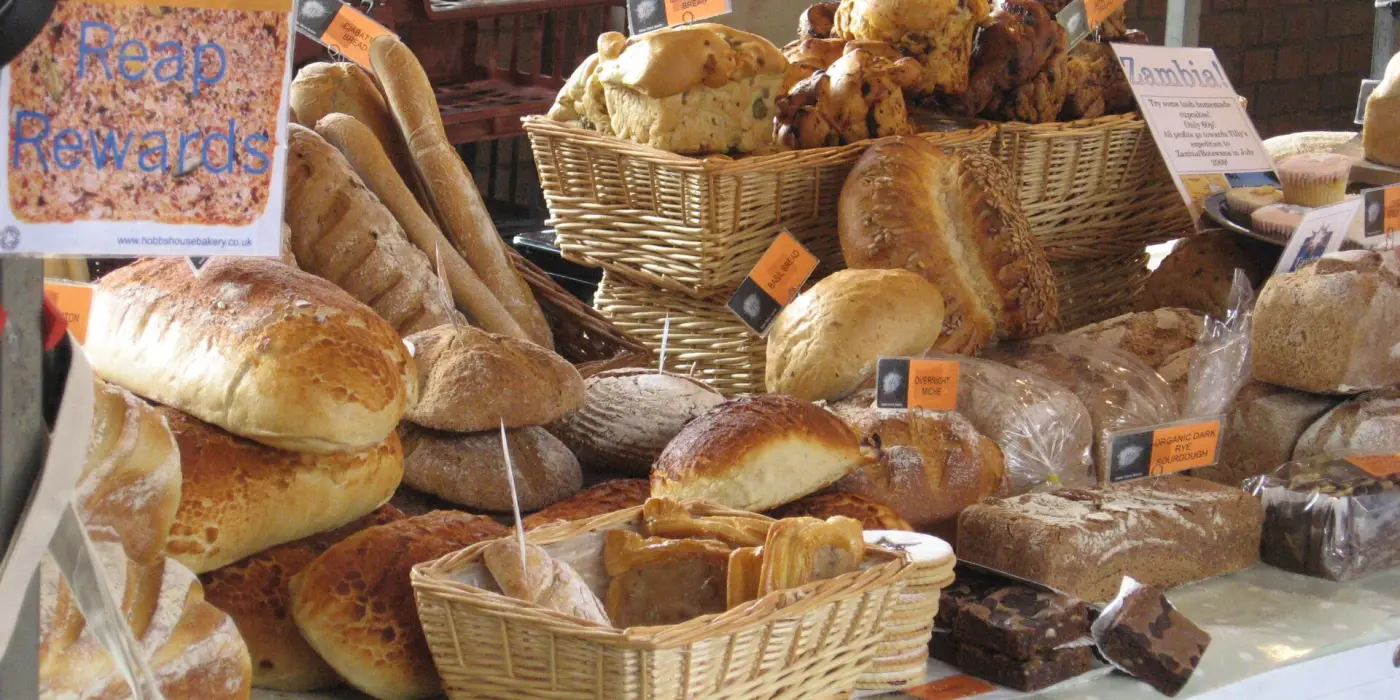
Warm bread from the stone oven
📱 Open the menuFeatures
From showing the menu to taking orders and sales reports.
Guests switch between Kurdish, Arabic and English with one tap, with the right text direction for each.
After the first visit the menu is stored on the phone and opens on slow or dropped connections.
Change a price or mark an item sold out; the menu shows it right away.
Prices are shown in dinars and guests can view them in dollars, using your own exchange rate.
Brand colour, logo, cover photo and a dark or light theme that match your place.
Guests order from their table and the cashier gets them with a sound alert.
Print receipts, see daily and monthly sales and best sellers, and export to Excel.
Your menu can live on your own domain, for example menu.yourcafe.com.
What makes us different
Many digital menus stall on a weak connection while guests wait. Ours is stored on the phone after the first scan: search, categories and the order bag all work on the device, and an order is sent once the connection is back, never twice.
Packages
You can switch packages at any time.
For places that want a beautiful menu that is always up to date.
For places that want orders straight from the table.
Contact us for pricing.
Frequently asked questions
An online menu guests open on their own phone by scanning the QR code on the table. Nothing needs to be installed and it works on any phone.
No. The phone camera is enough to scan the code; the menu opens in the browser.
After the first visit the menu is stored on the phone and opens without internet. Only sending an order needs a connection, and the order bag is kept until it comes back.
Three: Kurdish (Sorani), Arabic and English. Guests switch with one tap, and you enter each item’s name in all three.
Yes. Change prices, photos and items from your dashboard at any time and the menu updates immediately, with nothing to reprint.
The Menu package shows your menu. The Cashier package also lets guests order from their table, and gives your cashier orders, receipts and sales reports.
Yes. Every menu gets its own address on our site by default, and your own domain can be connected as well.
Fill in the sign-up form. Once your account is reviewed and activated, add your items and print the QR codes for your tables.
Sign up in minutes and let your guests see your menu with a single scan.